How do I switch the diffuser on or off?
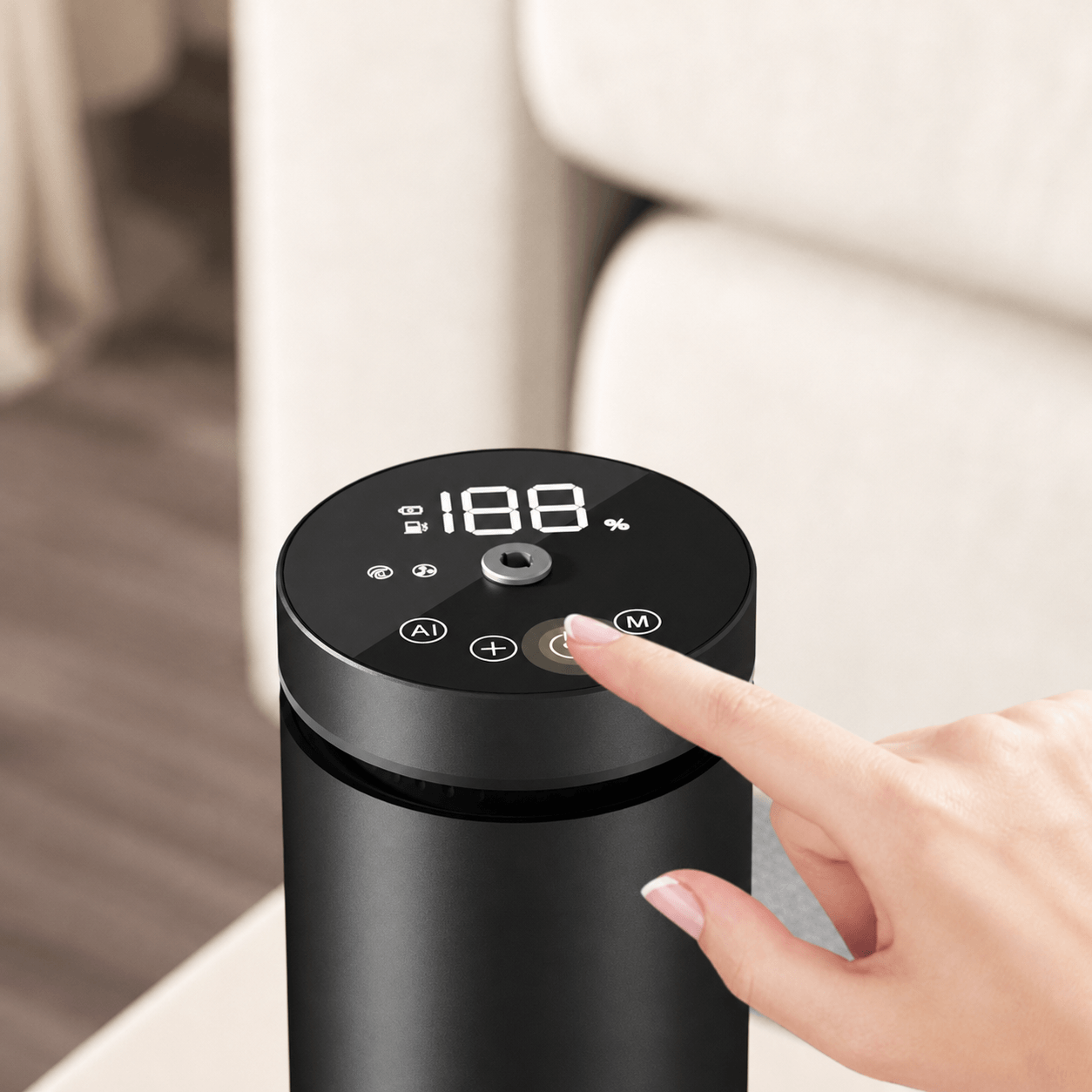
Connect the diffuser to the power supply, then press and hold the AI button for 3 seconds.
How do I adjust the fragrance intensity?
Press the AI button once to cycle through the available fragrance levels. You can also create personalised settings through the Bluetooth app.
What do the A1–A4 settings mean?
A1–A4 are preset fragrance intensity modes. Custom programmes created in the app can also be selected from the diffuser.
What does the M button do?
Press the M button to check the remaining oil level as a percentage. The display automatically returns to the main screen after approximately 10 seconds.
How do I correct the displayed oil level?
Check the oil level against the markings on the bottle, then use the + and − buttons to adjust the displayed percentage in 5% increments.
How do I connect the diffuser to the app?
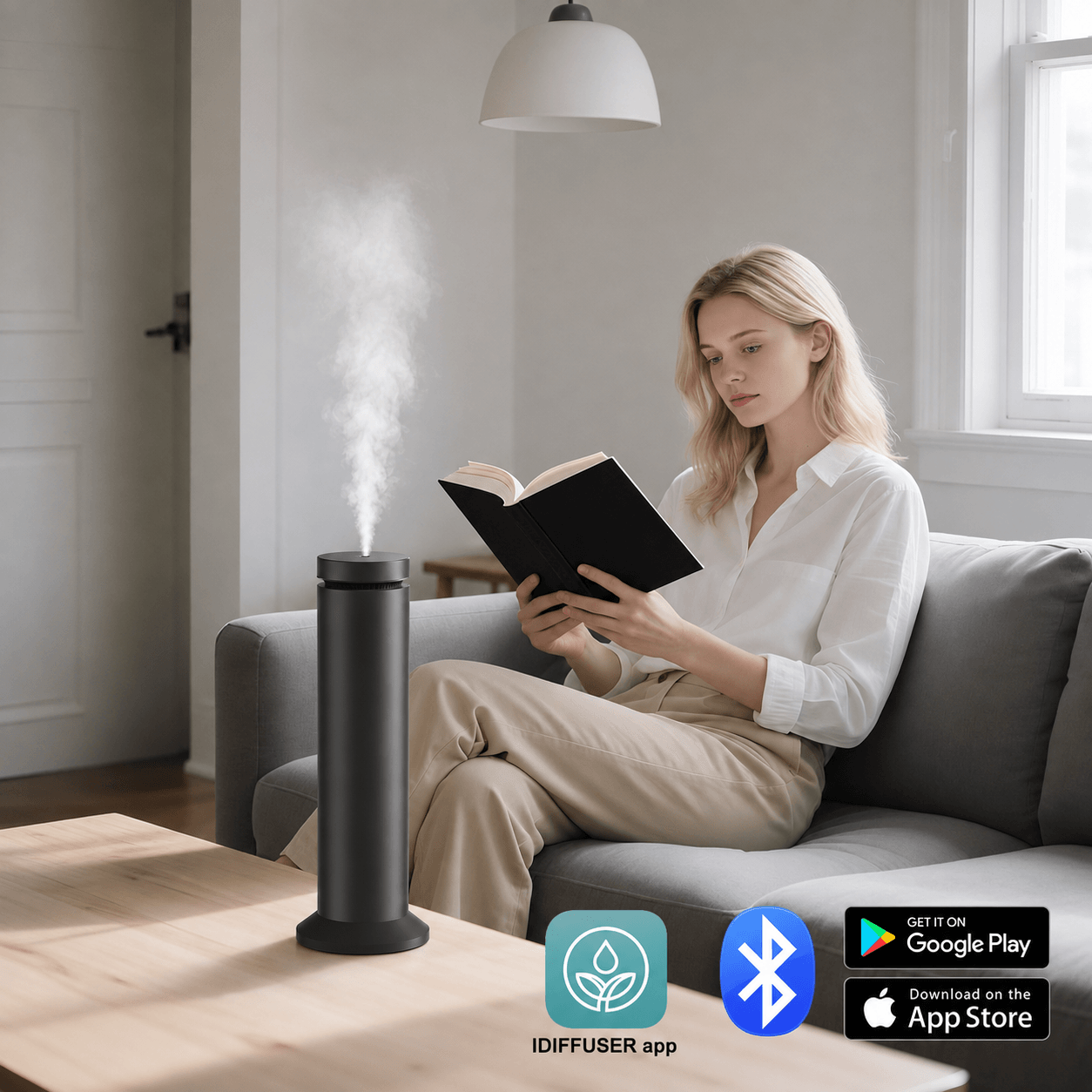
Turn on Bluetooth on your phone, open the compatible app and follow the pairing instructions. The connection indicator will illuminate once pairing is successful.
What can I control through the app?
The app allows you to adjust fragrance intensity, select operating modes and set personalised scent schedules from your phone.
What information appears on the display?
The digital display shows the current operating mode, fragrance level, oil percentage and Bluetooth connection status.
Why does the display return to the main screen automatically?
When no buttons are pressed for around 10 seconds, the diffuser automatically returns to its main display.
Does the diffuser require batteries?
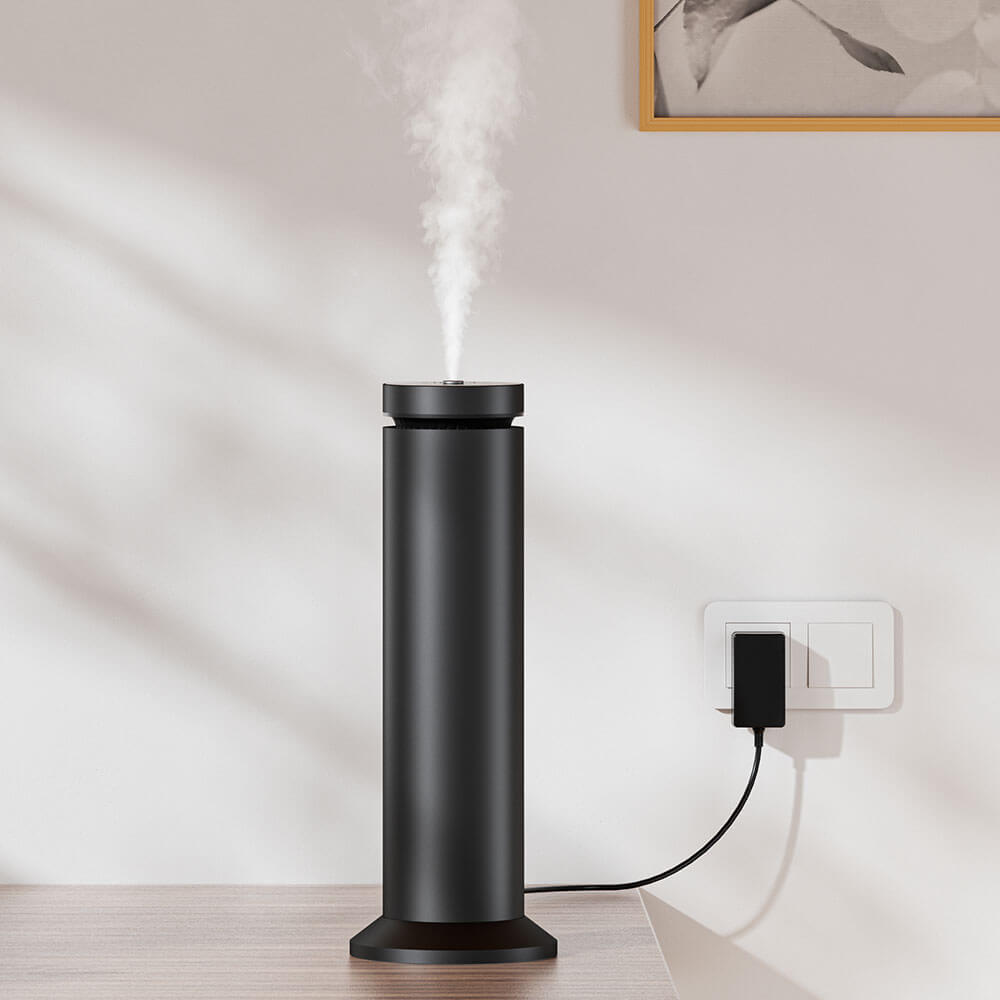
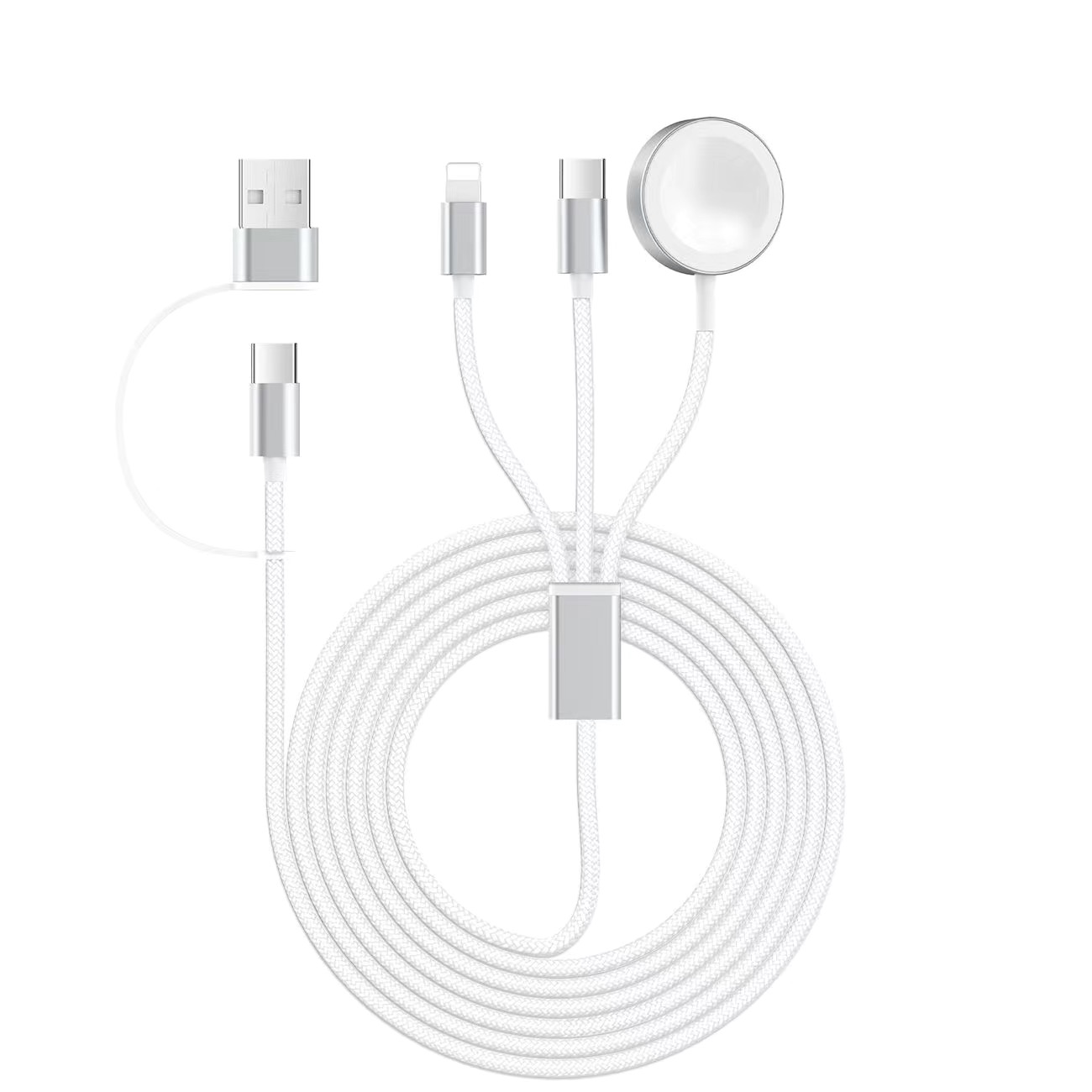
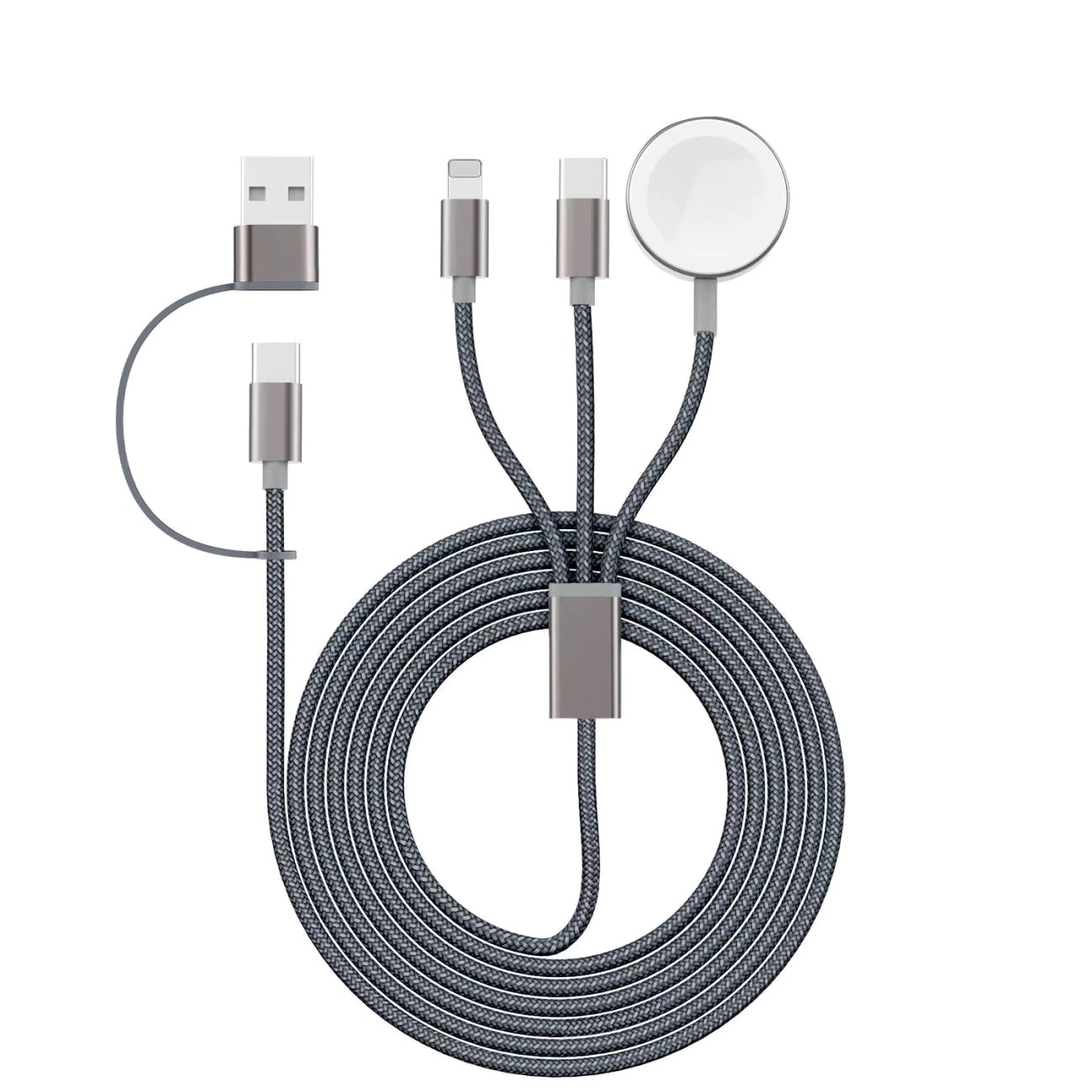
No. This model is designed for plug-in use and includes a 1.5 m power cable for consistent operation.
What should I do when the oil level is low?
Refill or replace the fragrance oil, then use the + and − buttons to recalibrate the displayed oil level.