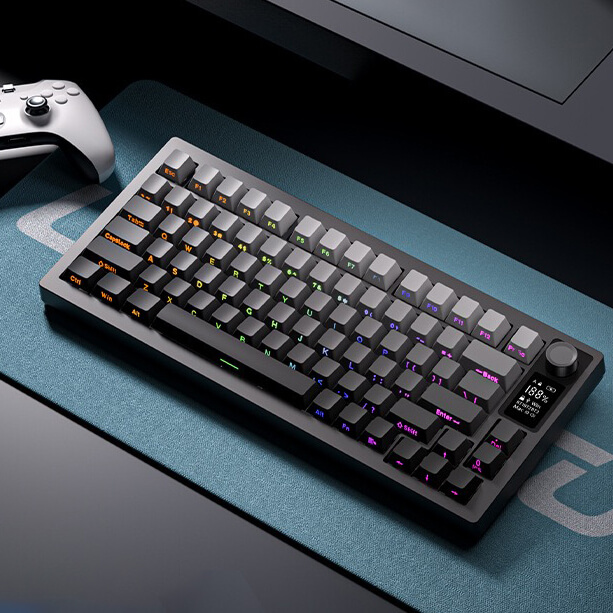
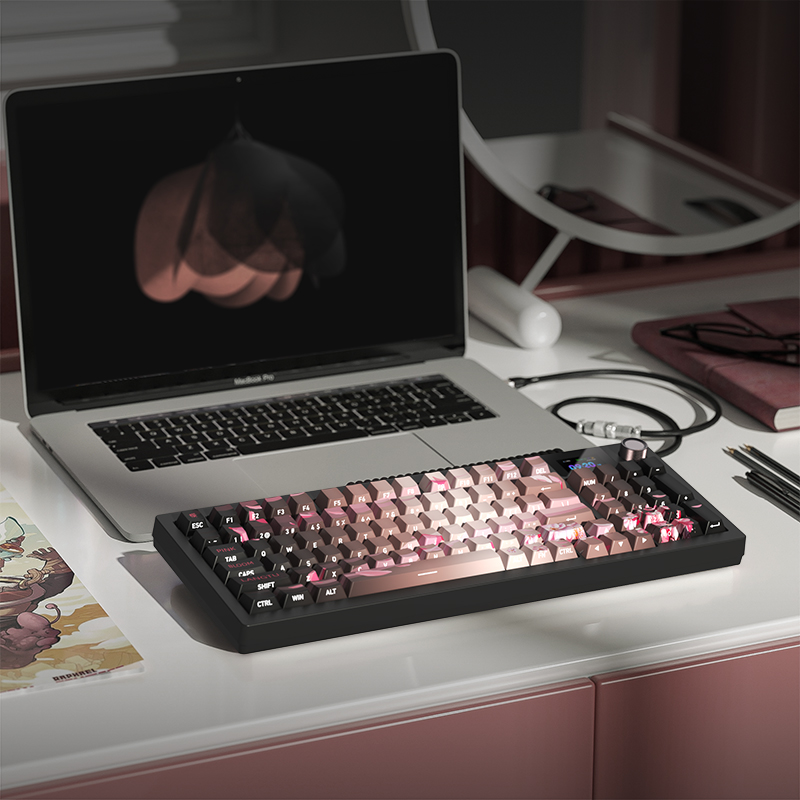
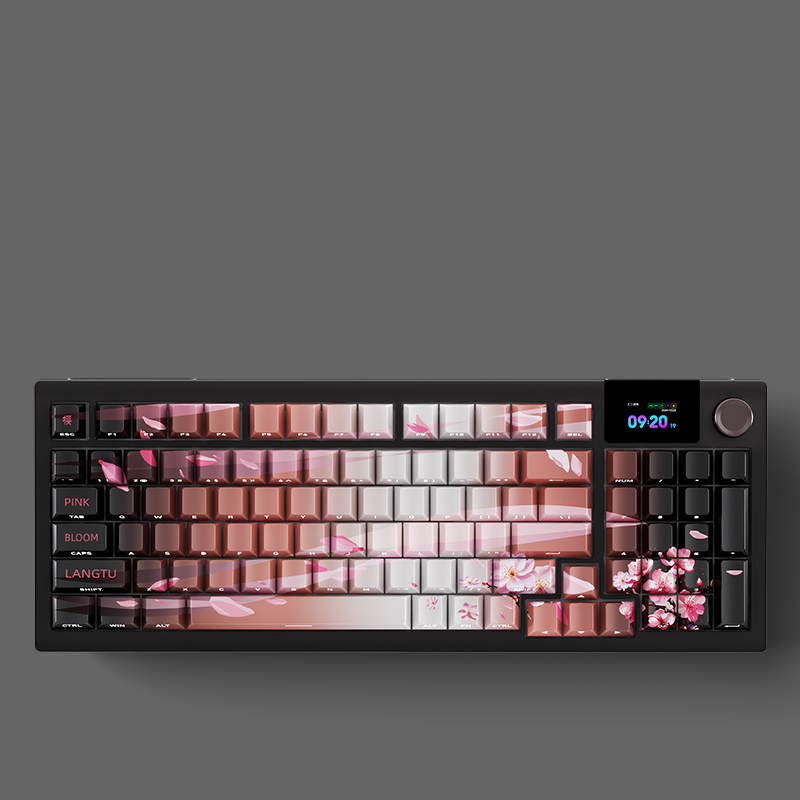
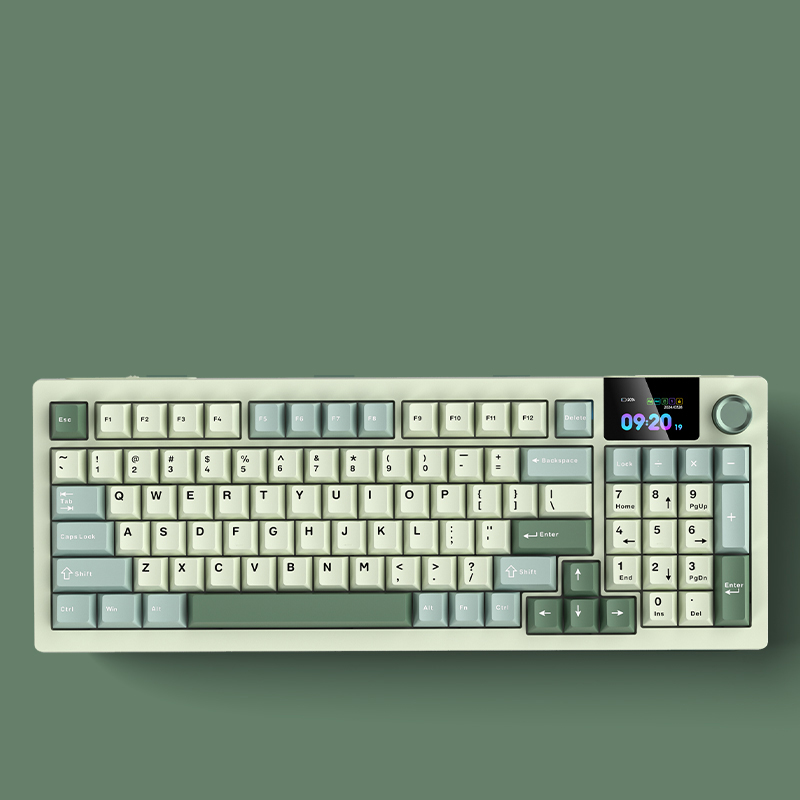
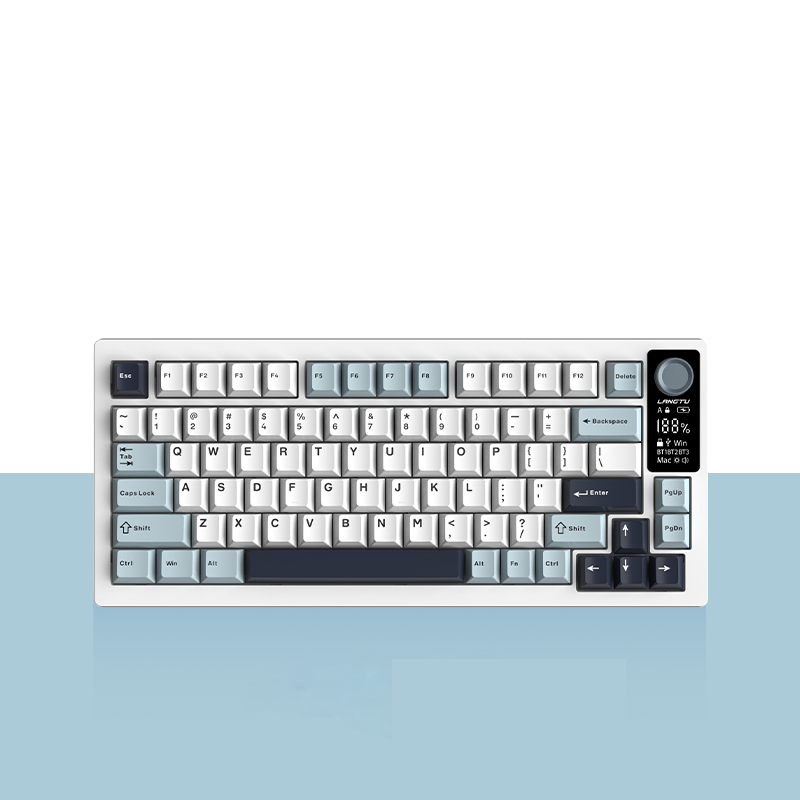
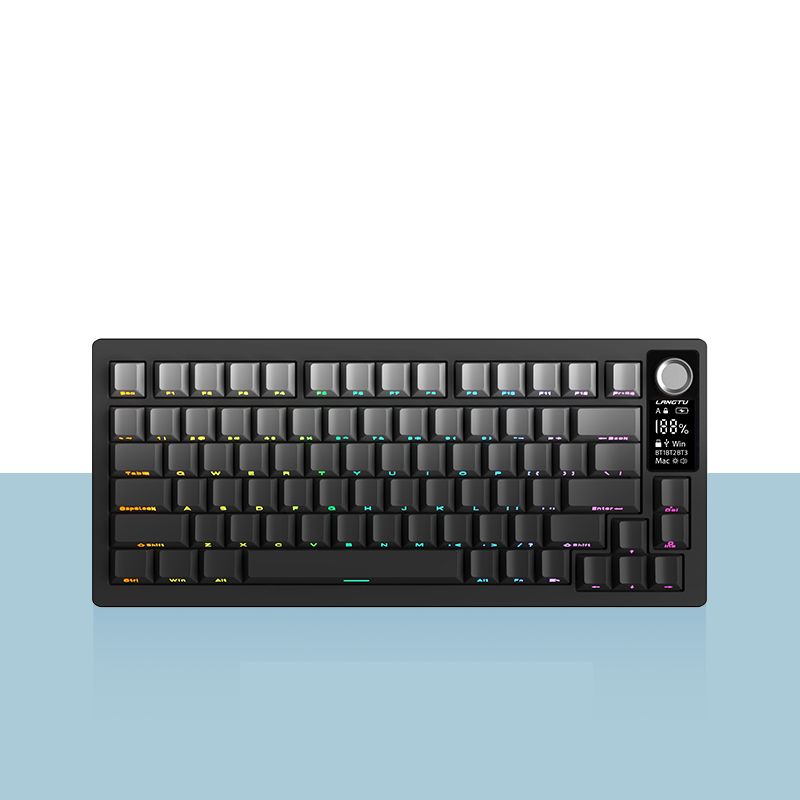
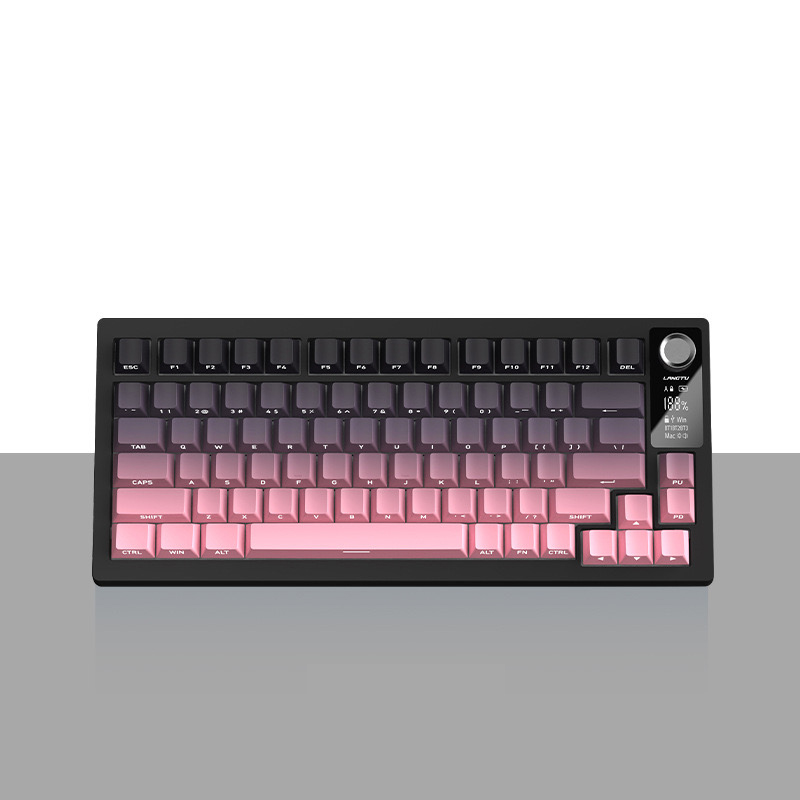
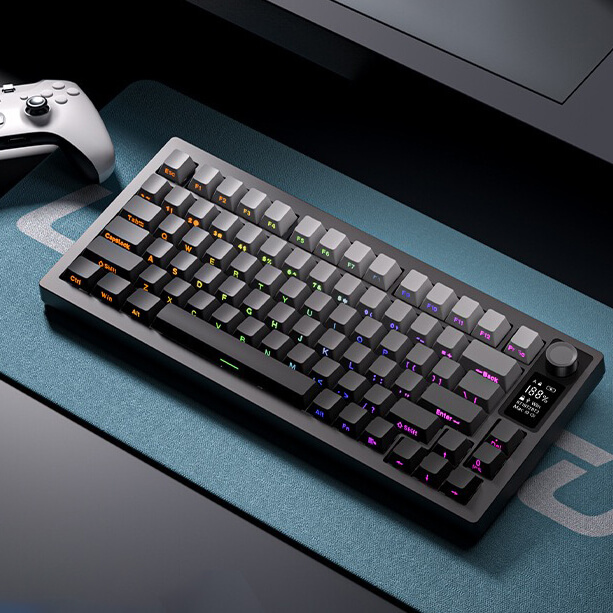
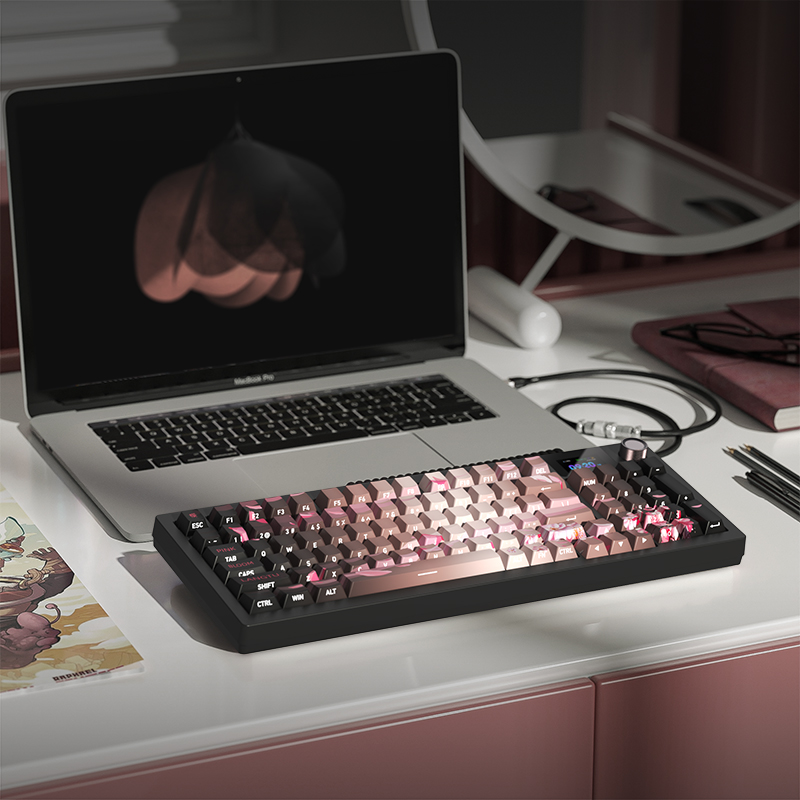
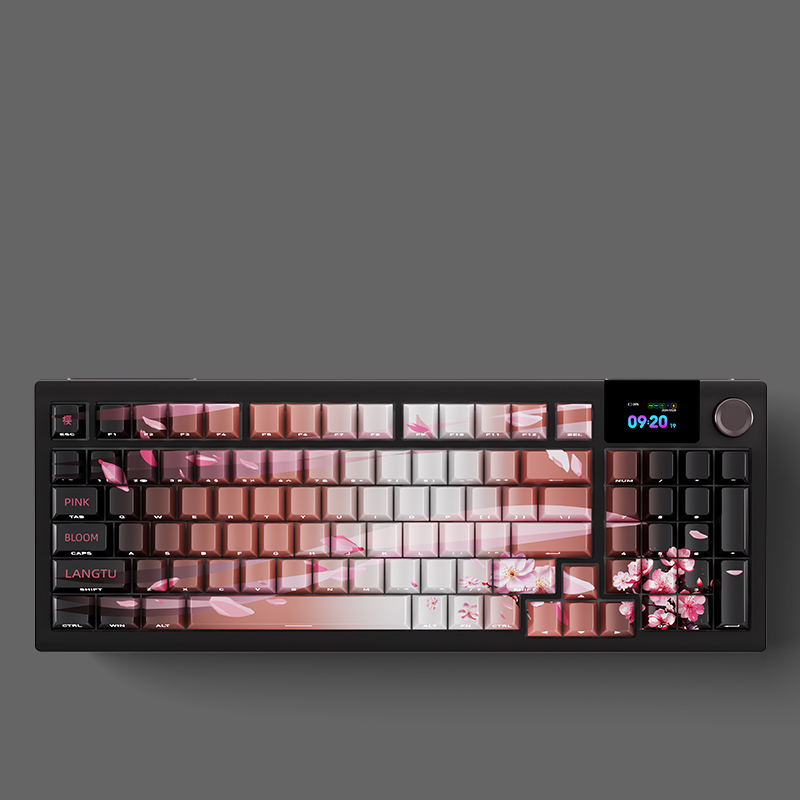
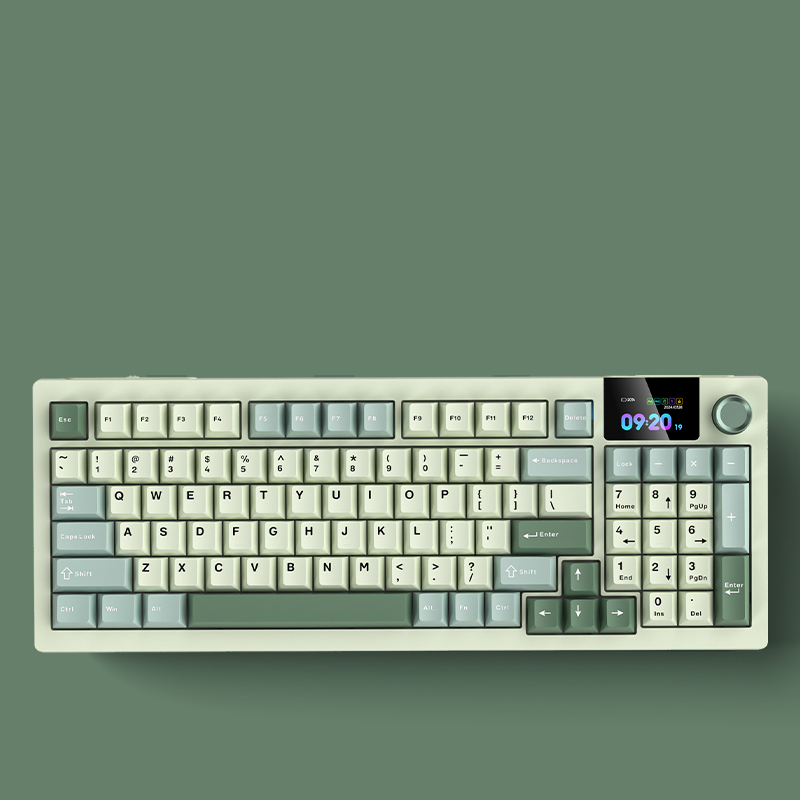
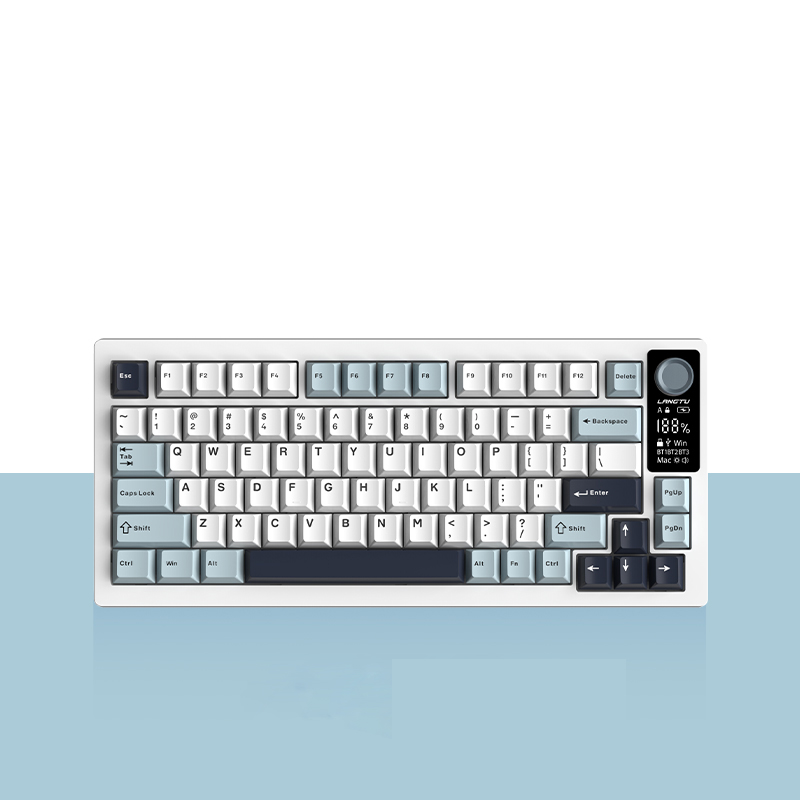
What is included in your order?
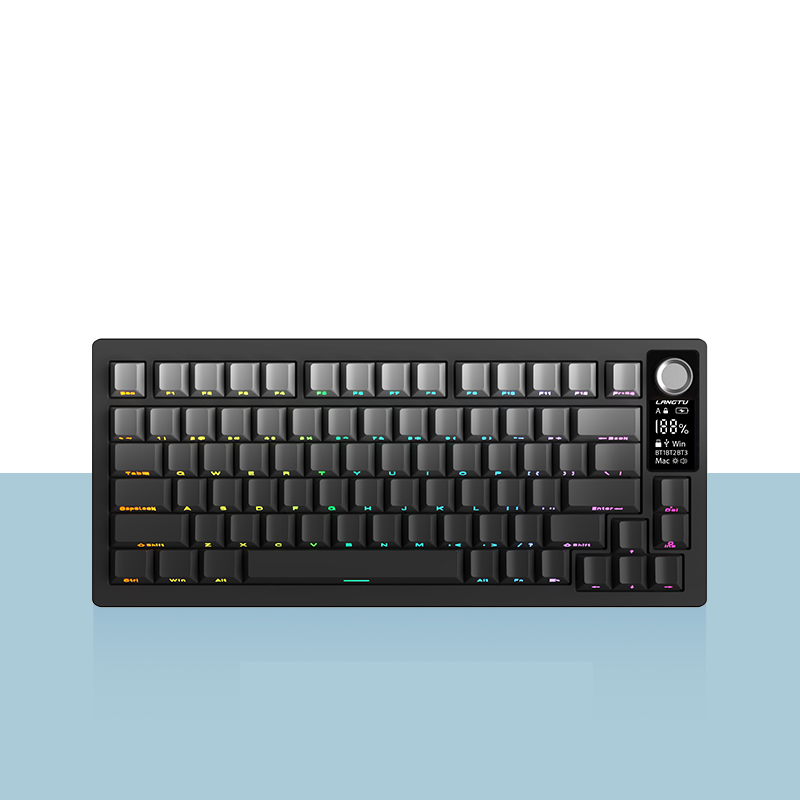
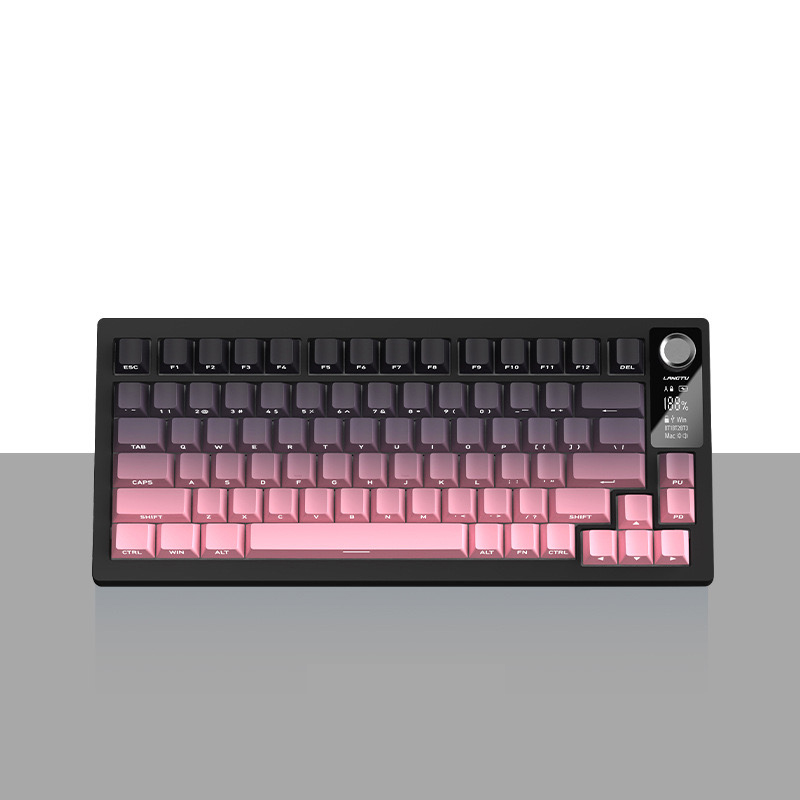
Packing List: Keyboard*1, Receiver*1, Dust Cover*l, Spare Shaft*3.Silicone Feet*2,usB-C Cable*1, Shaft Puller*1, Manual*1
1. What is the keyboard connection method? How many kinds are there?
3 types of connections. Support wireless 2.4G/Bluetooth/wired type-c
2. What switches are available to choose from? How to choose?
Two types: Macaron switches are suitable for gaming, while Green Sound switches are ideal for typing. They can also be used for both gaming and typing.
3. Is it hot-swappable for all keys?
Yes,customizable
4. Is it compatible with both Windows and Mac dual systems?
Yes,One-click switch between dual systems
5. How to set up dynamic lighting effects?
FN+PgUp = Switch lighting effects, 20 lighting effects (default: Wave Flow)
FN+ ↑
= Increase lighting brightness (6 levels, default highest brightness)
FN+↓
= Decrease lighting brightness (6 levels)
FN+x = Turn off the lighting / Turn on the lighting
FN+PgDn = Switch backlight color
FN+=+ = Increase lighting speed (6 levels, default highest speed)
FN+- = Decrease lighting speed (6 levels)
FN+ESC = Press and hold for 3 seconds, keyboard backlight flashes 3 times, restore factory settings