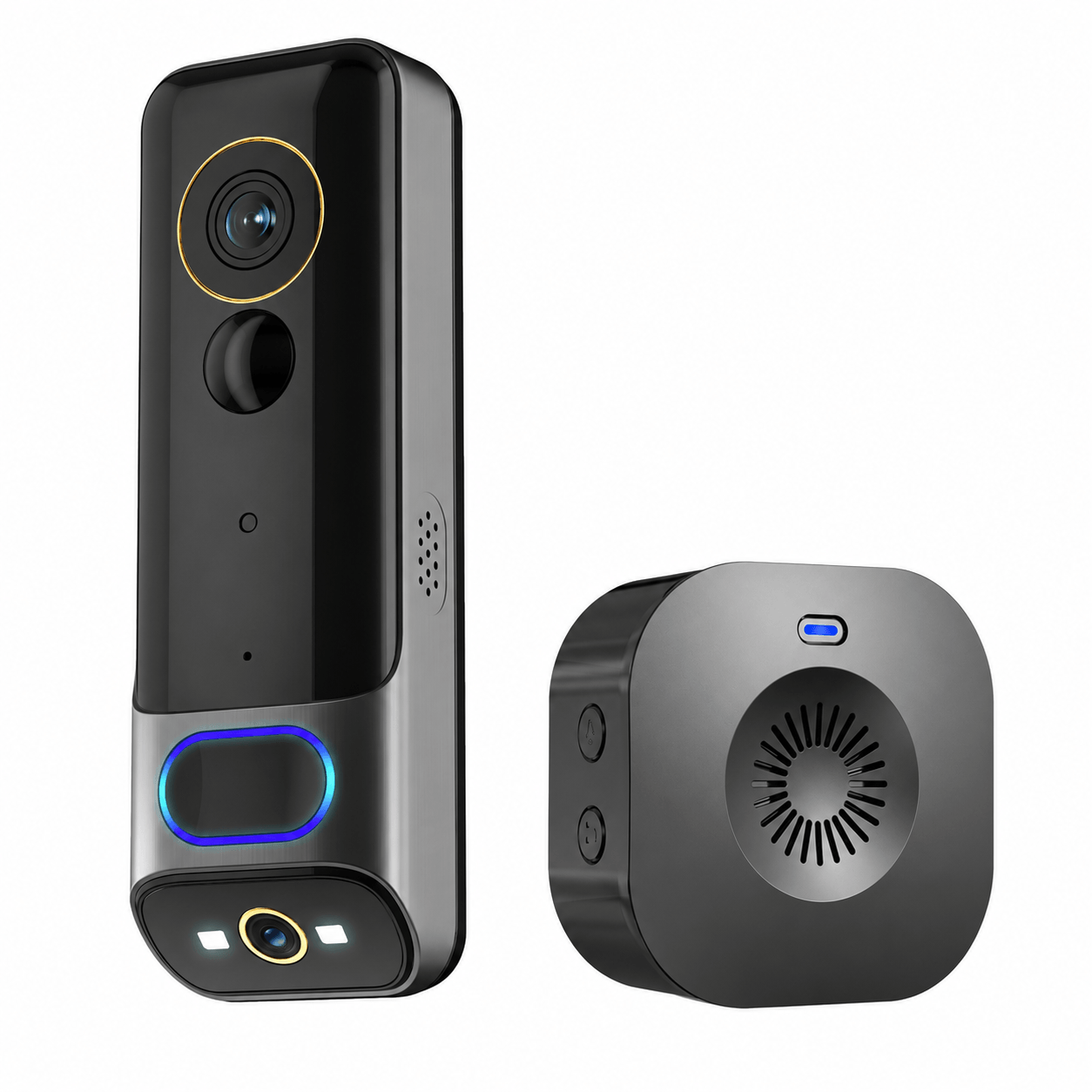
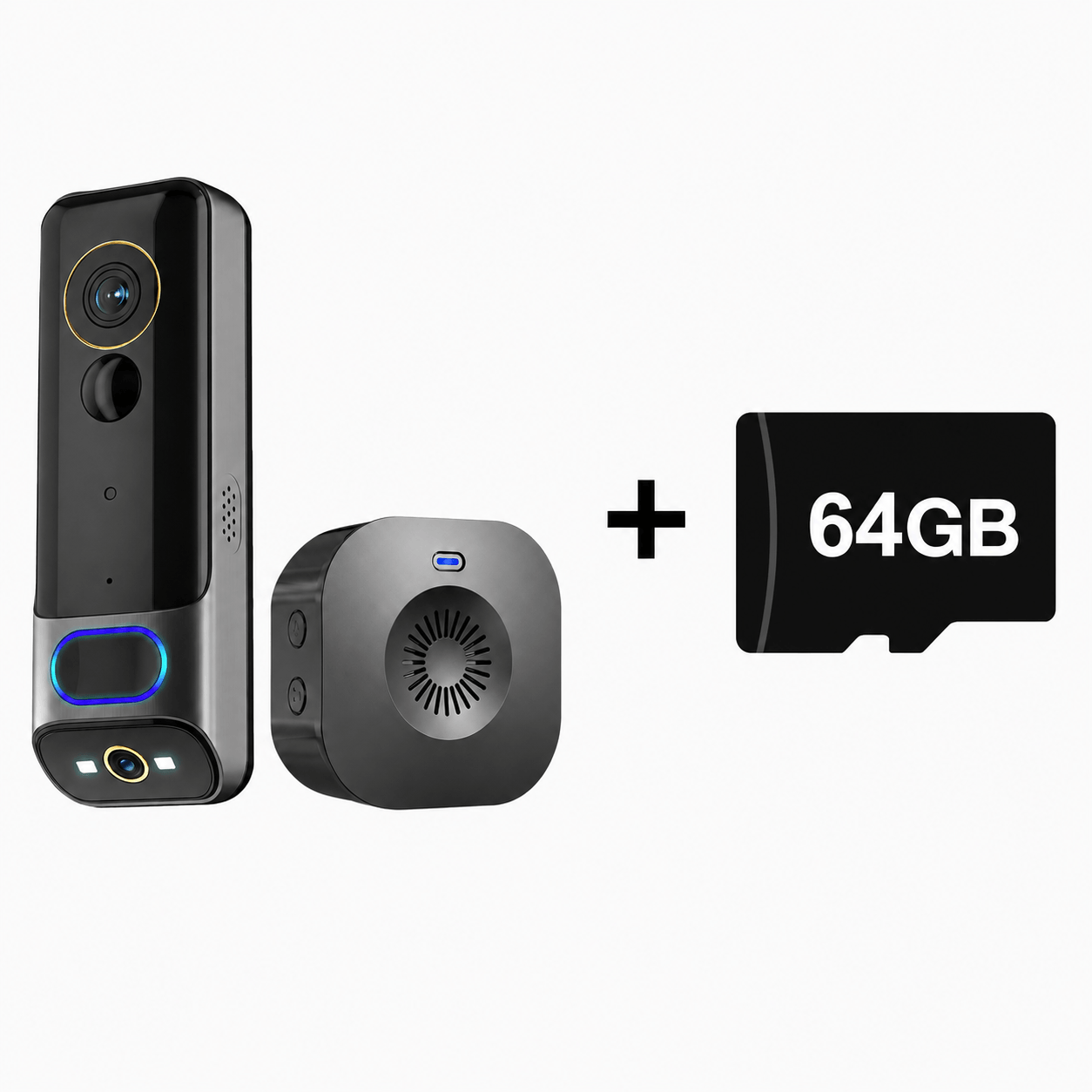
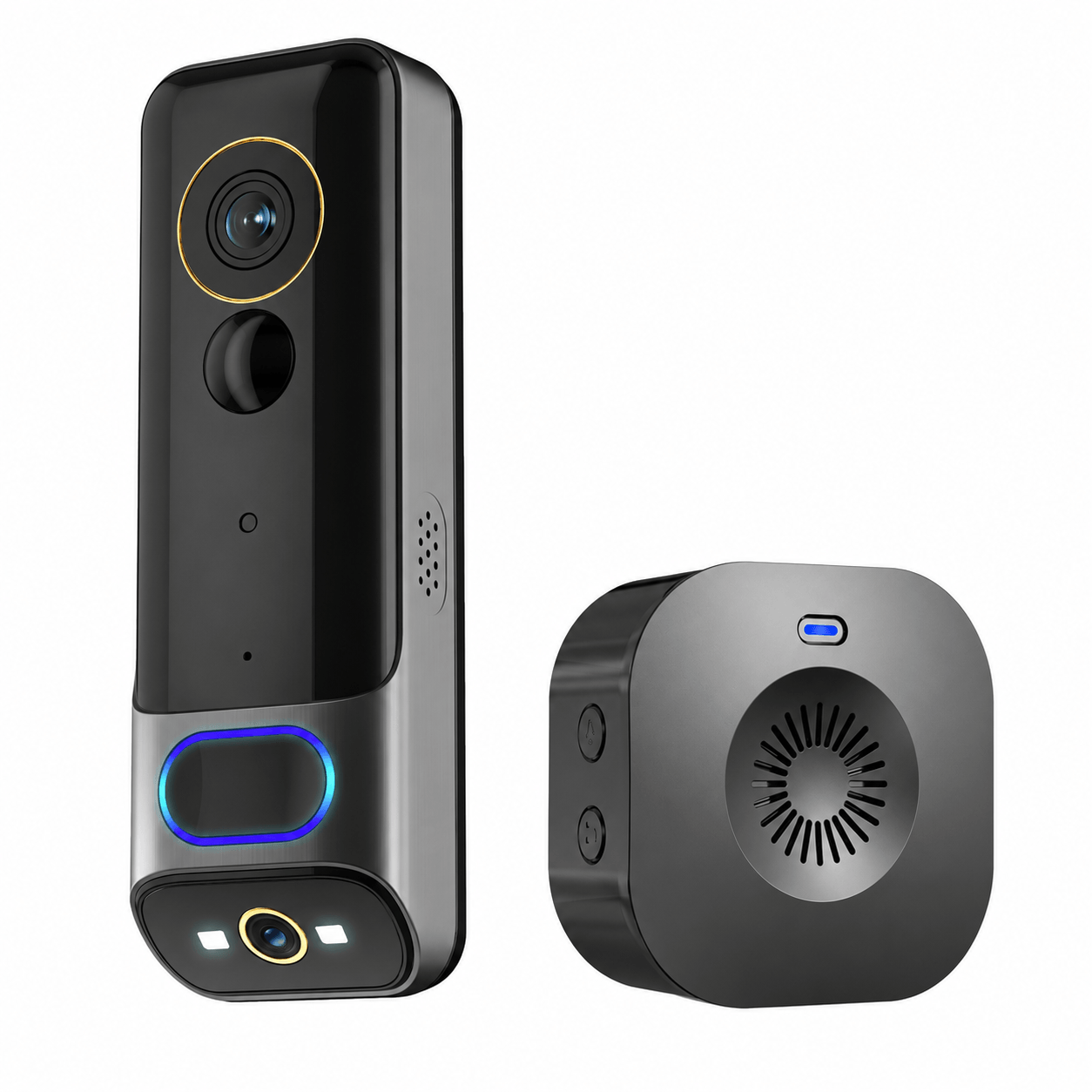
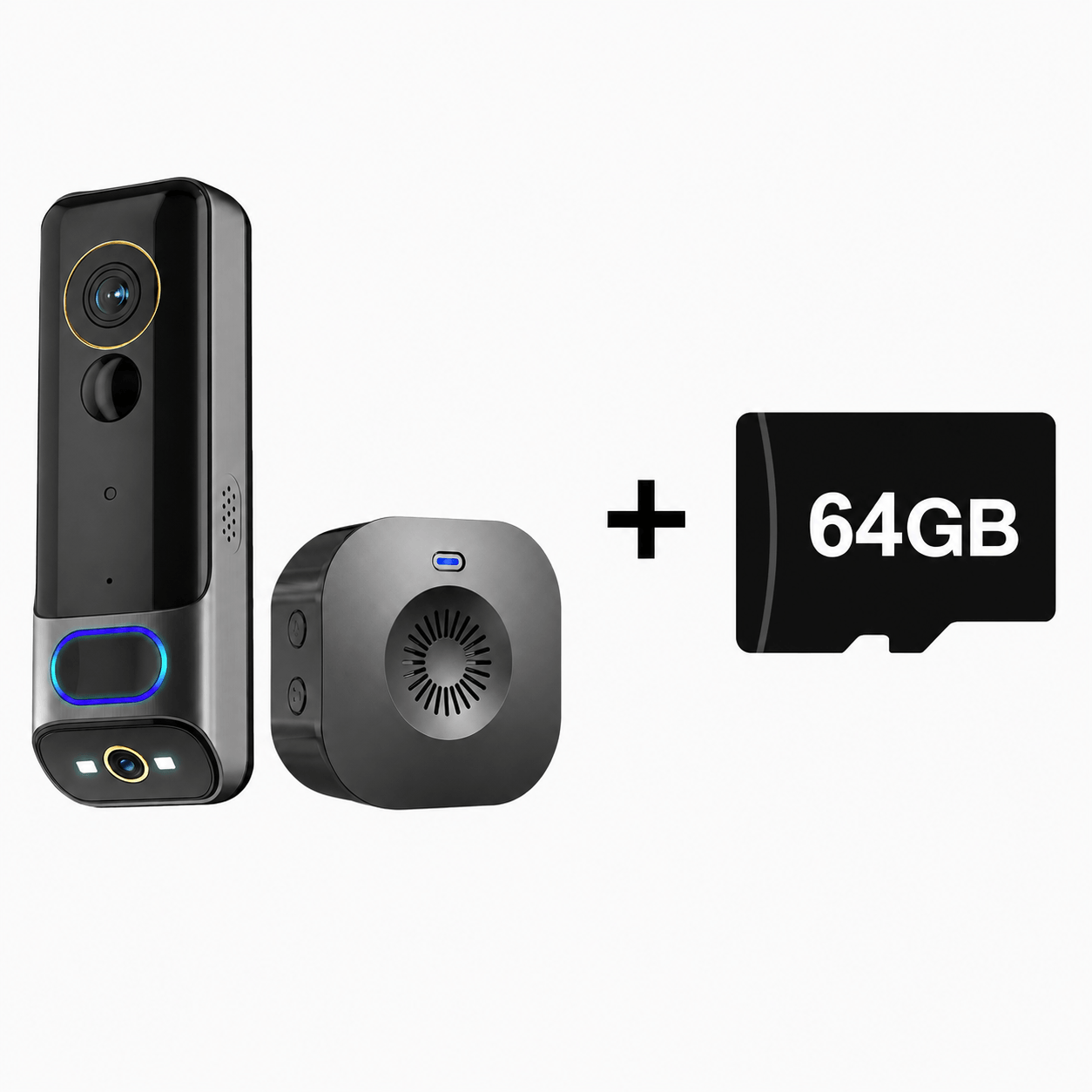
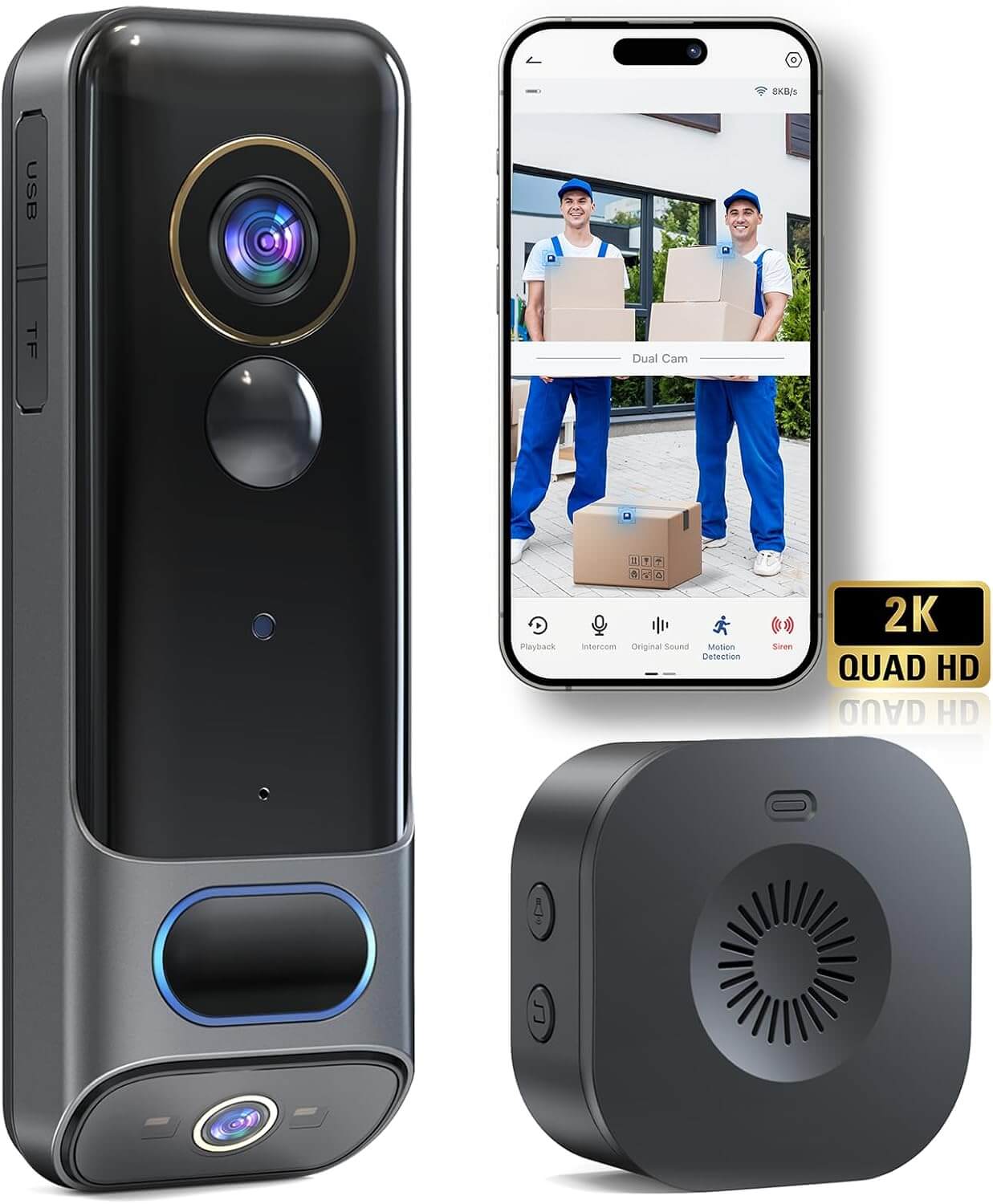
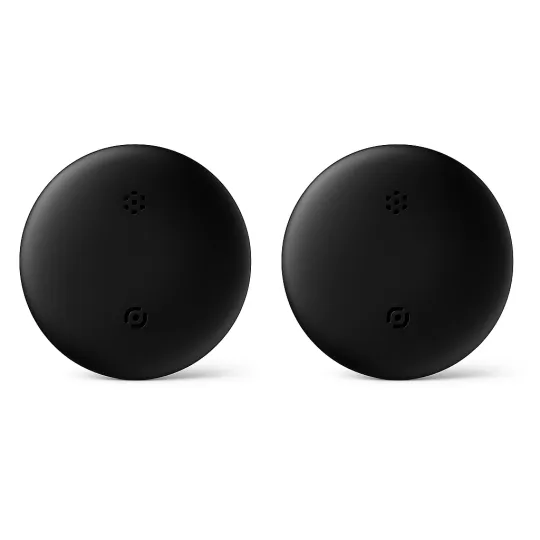
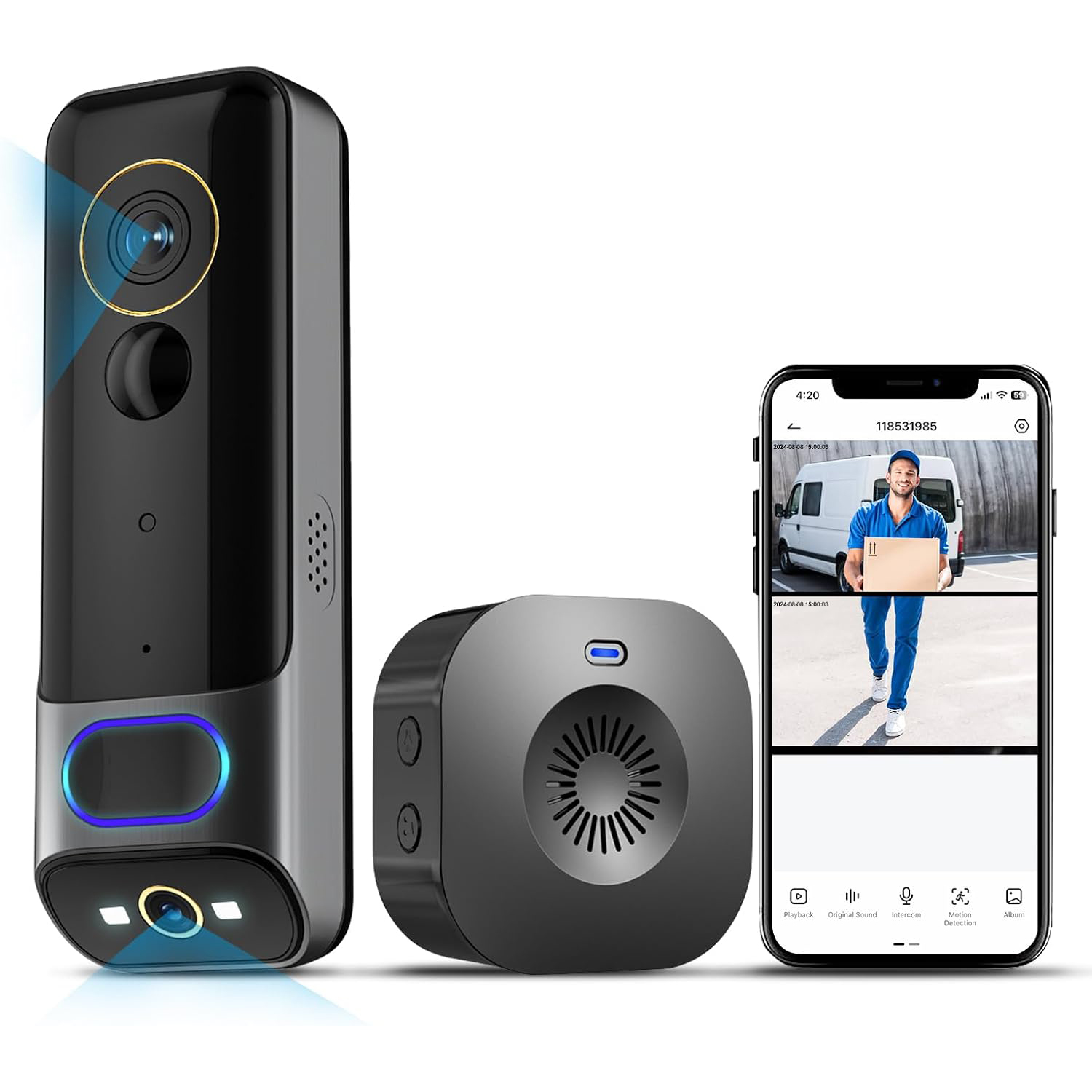
Dual-Camera Video Doorbell

EUR €149,00
EUR €199,00
Style
Quantity
  • Secure payments

  • 14-day returns

  • Free worldwide shipping

8 Key Advantages

2K
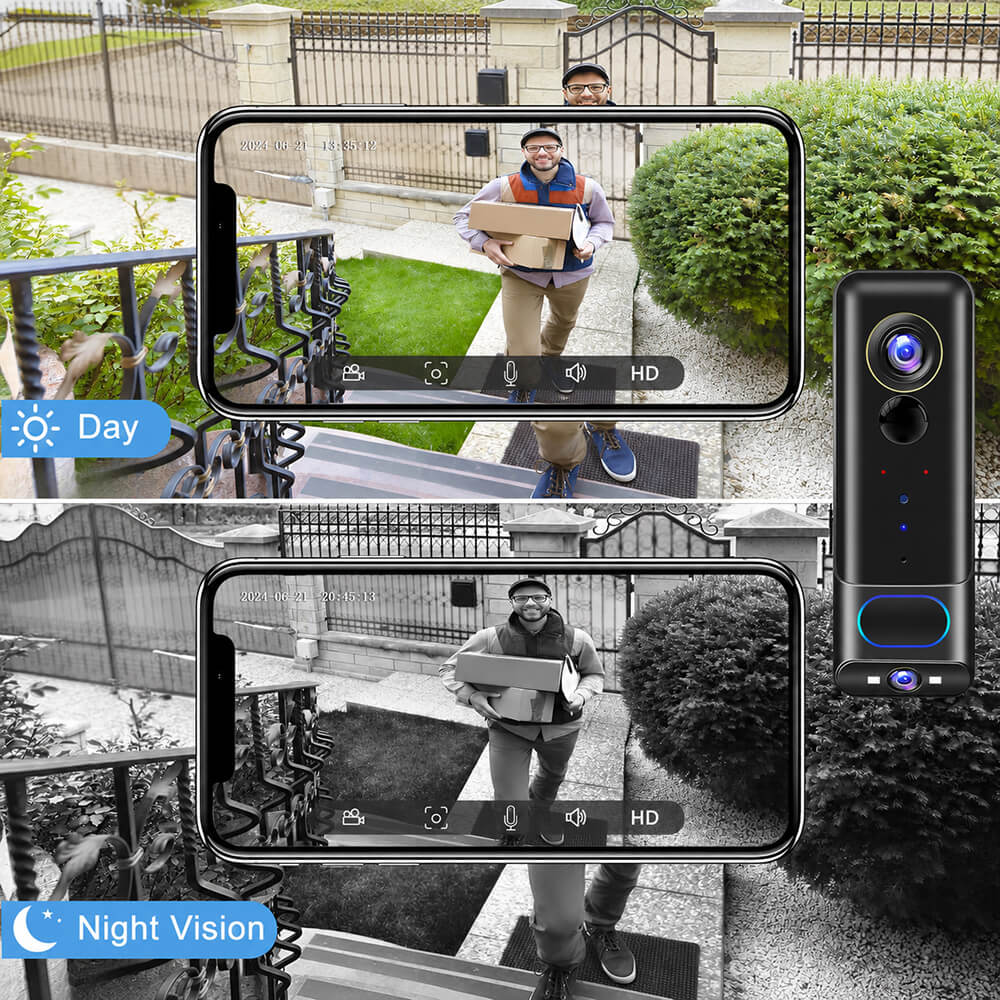
Clear Night Vision
PIR Motion Detection
Alexa Google Home
IP65 Waterproof
Two-ways Audio
5200mAh Rechargeable Battery
Cloud Storage & Local Storage
2K
Clear Night Vision
PIR Motion Detection
Alexa Google Home
IP65 Waterproof
Two-ways Audio
5200mAh Rechargeable Battery
Cloud Storage & Local Storage

Why Choose Us

Smart and Convenient
Instant Chat
Dual Camera-Dual Security
Chime Included
2 Storage Methods
Works Well In All Weathers
Smart and Convenient
Instant Chat
Dual Camera-Dual Security
Chime Included
2 Storage Methods
Works Well In All Weathers
1 / 3

2K Dual-Camera

1/2.8" 3MP CMOS Sensor + 1/2.9" 2MP CMOS Sensor

IR Night Vision

24/7 Keep you and your family safe
  • Minimum Illumination: Colour: 0.1 Lux at F2.0; B&W: 0.01 Lux at F2.0
  • IR Night Vision Range: Up to 10 metres
  • Day/Night Mode: Auto (IR-Cut Filter) / Colour / Black & White

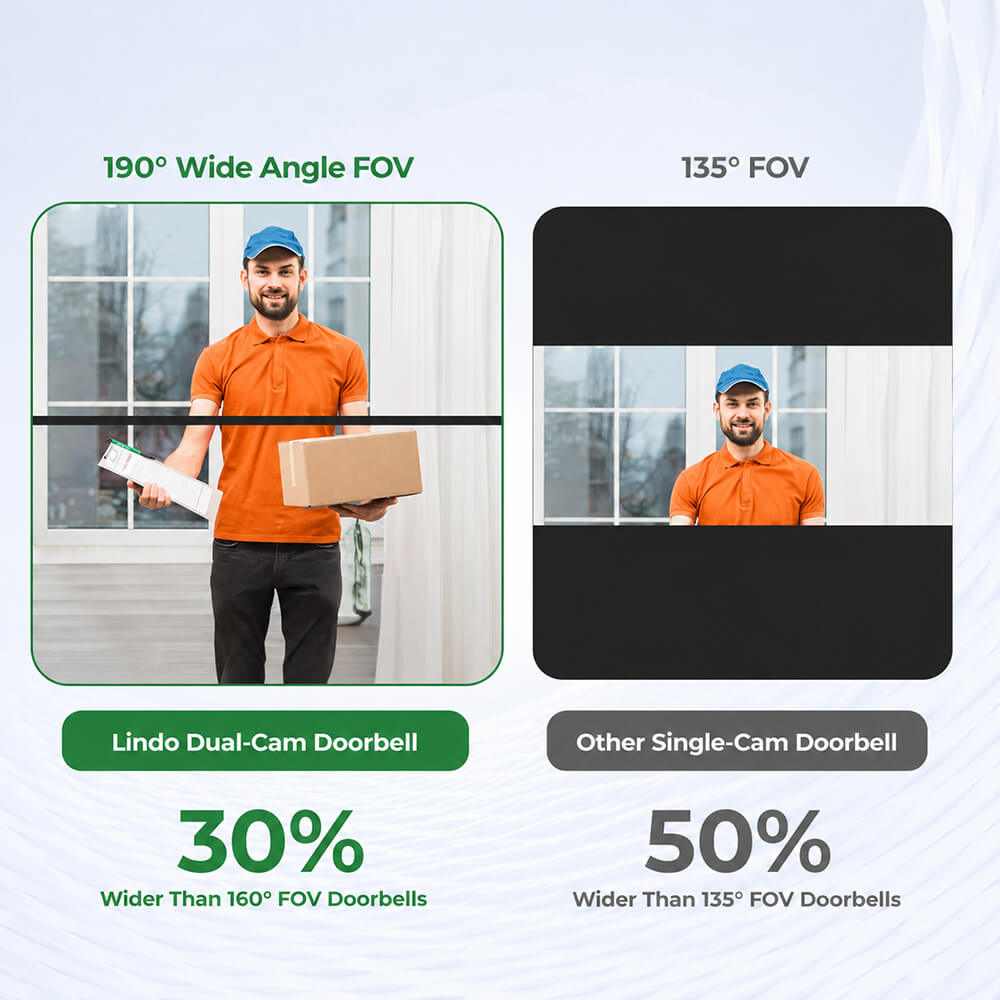
A Wider 190° Field of View

See More of Your Doorstep — From Visitors to Parcels

190° Ultra-Wide Dual-Camera View
Dual-Camera Video Doorbell

See More from Head to Toe

TWO-WAY AUDIO

Speak to visitors.

AI Smart Detection

Vivid PIR Motion Detection and Night Vision

Siren
Spotlight
Push

2K 3MP Camera for Stunning Clarity and Detail

Ready for All-Weather Protection

IP65 Weather-Resistant
Works from -20°C to 50°C

2 Storage Methods

  • MAX 128G SD Card
  • Cloud Storage

Specification

  • Product Name: 3MP + 2MP Dual-Camera WiFi Doorbell
  • Video Resolution: 3MP + 2MP Full HD
  • Night Vision: Up to 10m
  • PIR Detection: Up to 5m, 100° Angle
  • Audio: Two-Way Talk
  • Wireless Standard: 2.4GHz WiFi
  • App Support: iOS and Android
  • Storage: Micro SD Card up to 128GB / Cloud Storage
  • Battery: 5200mAh Rechargeable Battery
  • Battery Life: Approx. 2–3 Months
  • Wireless Chime: 433MHz Supported
  • Weather Resistance: IP65
  • Operating Temperature: -20°C to 50°C

How to Installation

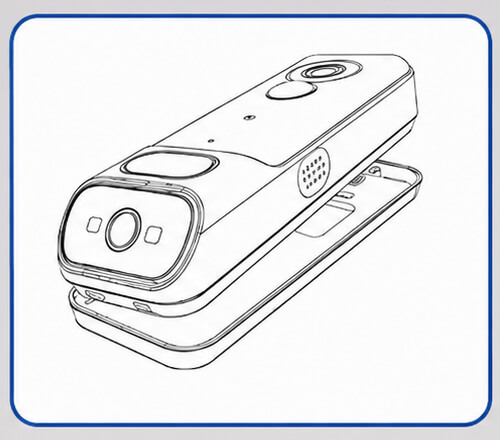
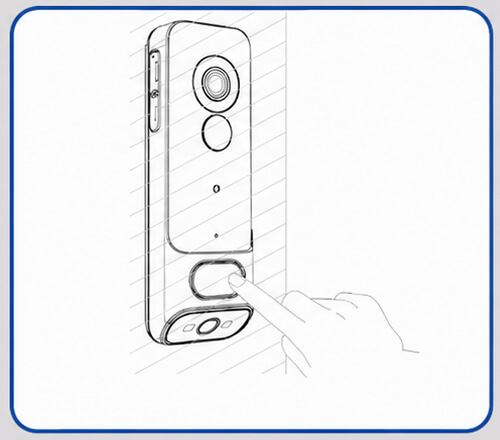
1. Loose the Screw on rear mount to release it.
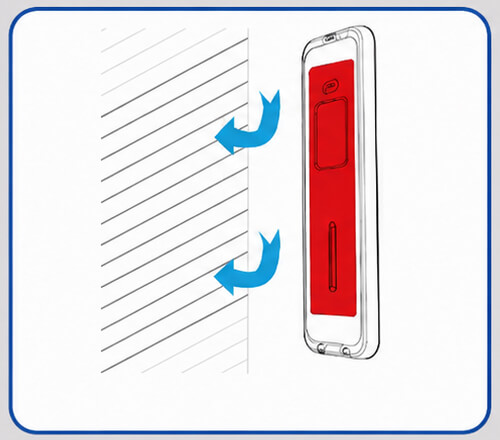
2. The doorbell can be mounted either with adhesive tape on a smooth, flat surface or secured with screws after drilling the required holes.
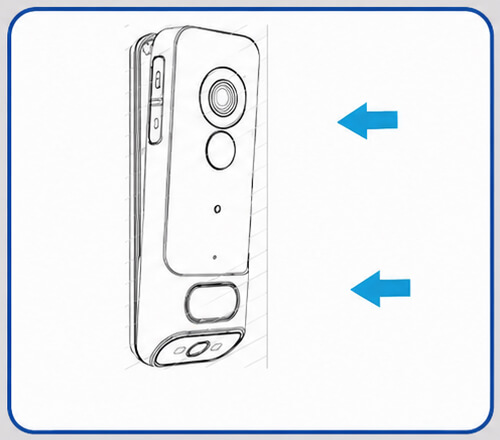
3. Attach the doorbell to its rear mount.
4. Tighten the screw at the top of rear mount.
1. Loose the Screw on rear mount to release it.
2. The doorbell can be mounted either with adhesive tape on a smooth, flat surface or secured with screws after drilling the required holes.
3. Attach the doorbell to its rear mount.
4. Tighten the screw at the top of rear mount.
1 / 2
FAQ
About 2K Dual-Camera Video Doorbell

Product Name: 3MP + 2MP Dual-Camera WiFi Video Doorbell

Camera Sensor: 1/2.8" 3MP CMOS + 1/2.9" 2MP CMOS

Video Resolution: 2048 × 1536 + 1920 × 1080

Lens: 3.6mm, F2.0

Field of View: 83° Horizontal / 61° Vertical / 105° Diagonal

Minimum Illumination: Colour 0.1 Lux at F2.0; Black & White 0.01 Lux at F2.0

Night Vision: Infrared Night Vision up to 10 metres

Day/Night Mode: Auto IR-Cut Filter / Colour / Black & White

Wide Dynamic Range: Digital WDR

PIR Motion Detection: Yes

PIR Detection Range: Up to 5 metres

PIR Detection Angle: 100°

Alarm Trigger: Doorbell Button and PIR Motion Detection

Audio Type: Two-Way Audio with Built-In Microphone and Speaker

Video Compression: H.264 / H.265

Video Bit Rate: 32Kbps–2Mbps

Frame Rate: 1–25fps

Dual Stream: Supported

Wireless Standard: 2.4GHz WiFi, IEEE 802.11b/g/n

Wireless Security: WEP 64/128-bit, WPA/WPA2, WPA-PSK/WPA2-PSK and WPS

Network Protocols: HTTP, DHCP, DNS and TCP/IP

Data Encryption: AES 128-bit

App Support: iOS 9 or Later and Android 5 or Later

Storage: Micro SD Card up to 128GB and Cloud Storage

Battery Capacity: 5200mAh Rechargeable Lithium Battery

Standby Time: Up to 6 Months

Typical Battery Life: Approximately 2–3 Months Based on 10 Activations Per Day

Power Supply: DC 5V / 1A

Maximum Power Consumption: 2W

Wireless Chime: Supports 433MHz Wireless Indoor Chime

Weather Resistance: IP65

Operating Temperature: -20°C to 50°C
How do I charge the video doorbell?

Charge the doorbell for approximately 8–10 hours before installation. The LED indicator will remain red while charging and turn blue when the battery is fully charged.

Use a compatible USB charger rated at DC 5V, 1A–2A.
Which app does the doorbell use?

The doorbell works with the CloudEdge app, available for both iOS and Android devices.

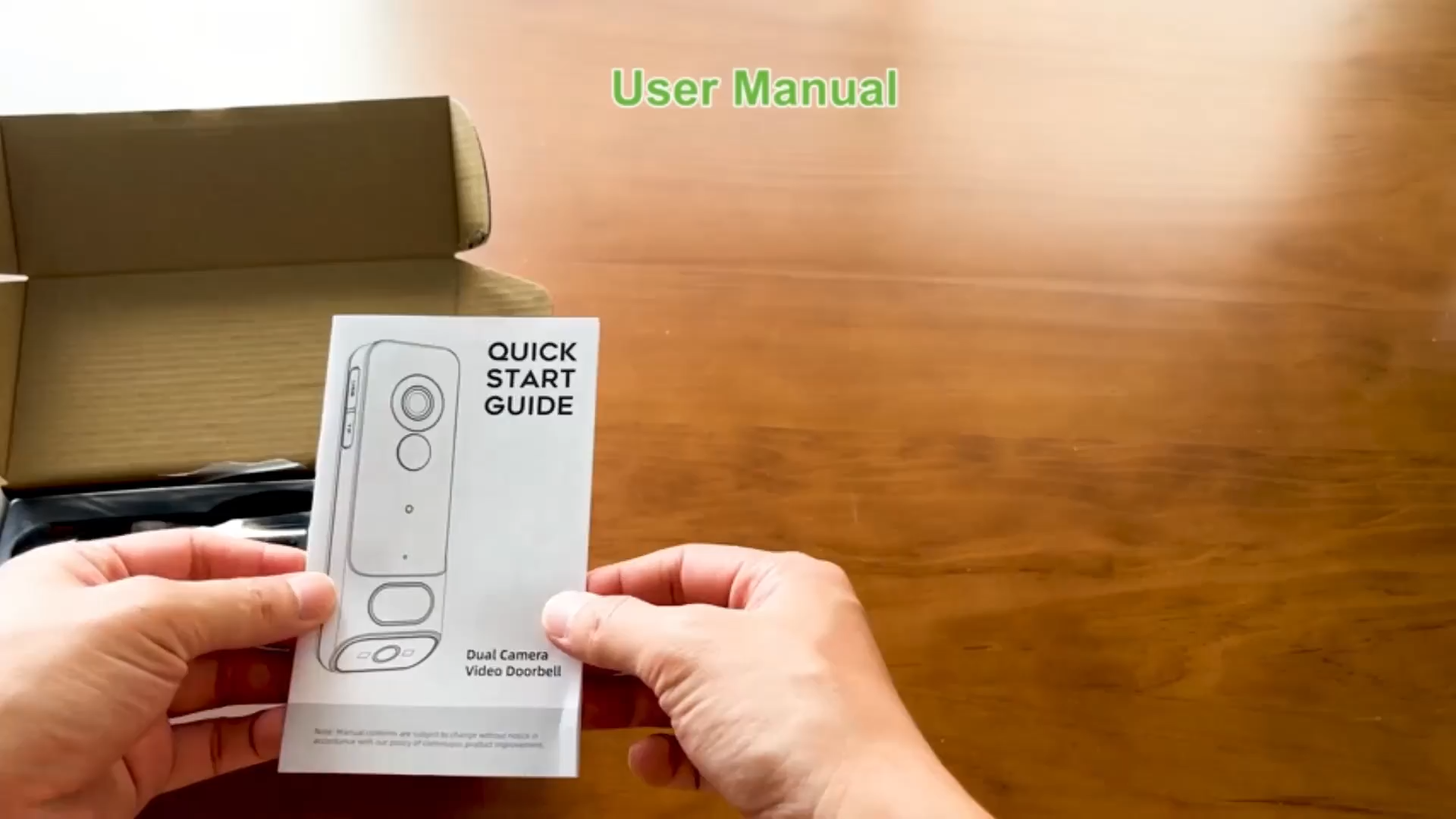
Search for “CloudEdge” in your app store or scan the QR code provided in the user manual.

How do I reset the doorbell?

Press and hold the Reset button for 5 seconds.

The LED indicator should then flash red once per second, showing that the doorbell is ready for Wi-Fi setup.

What do the LED indicator lights mean?
  • Solid red: Device error
  • Red flashing once per second: Ready for Wi-Fi setup
  • Red flashing twice per second: Connecting to Wi-Fi
  • Solid blue: Device is online
  • Blue flashing once per second: Live view is active
  • Blue flashing twice per second: Firmware update in progress
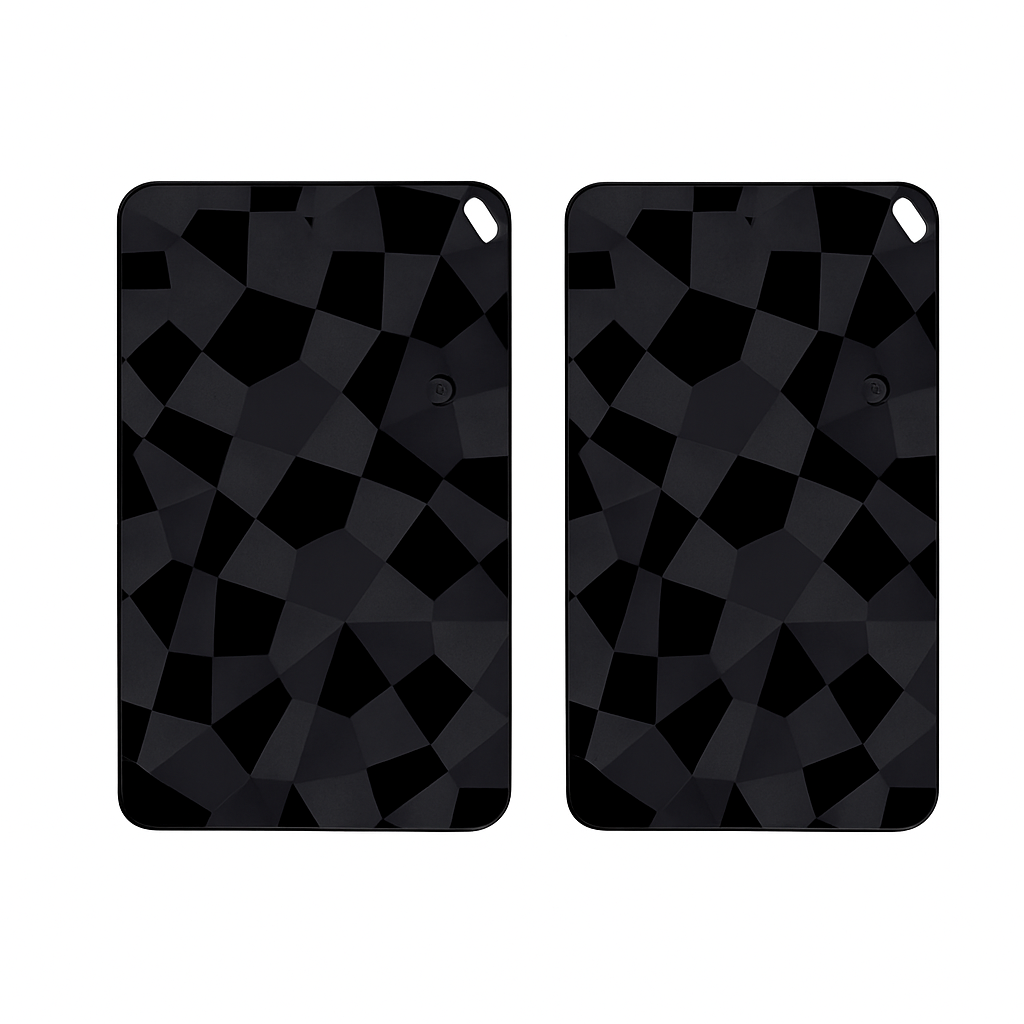
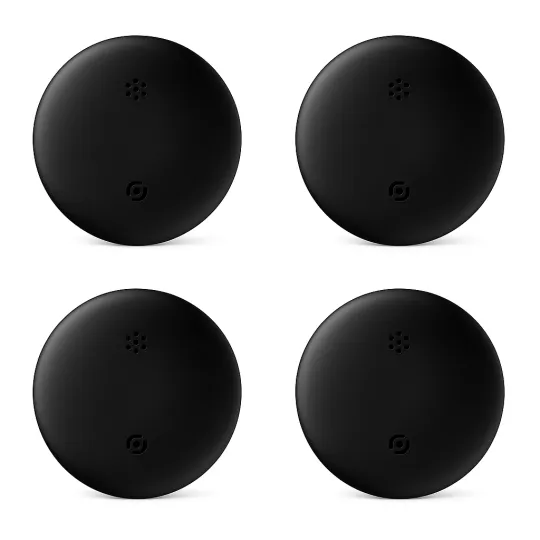
How do I pair the wireless indoor chime?

Press and hold the pairing button on the chime. The chime will enter pairing mode for approximately 20 seconds, and the red LED will flash.

Press the doorbell button during this time. When the chime rings and the blue LED flashes, pairing is complete.

How do I adjust the chime volume and ringtone?
  • Short-press the volume button to switch between 5 volume levels.
  • Press the ringtone button to choose from 7 available ringtones.
  • Press and hold the pairing button for 5 seconds to reset the chime.
Can the doorbell work with my existing mechanical chime?

No. The doorbell does not support an existing mechanical chime.

It is supplied with a separate battery-powered wireless indoor chime.

What is the wireless range of the indoor chime?

In an open area without major obstructions, the wireless chime range can exceed 100 metres or 328 feet.

Walls, doors and other obstacles may reduce the actual range.

Where should I install the doorbell?

Install the doorbell at least 4 feet or approximately 120cm above the ground for a suitable viewing angle and more effective motion detection.

The rear mounting plate can be fixed with screws or adhesive tape on a flat surface.

How long does the battery last?

Under laboratory test conditions, a fully charged battery can last approximately 2–3 months.

This estimate is based on:

  • 10 activations per day
  • 15 seconds of recording per activation

Actual battery life will vary depending on usage, live viewing, motion activity, Wi-Fi signal strength and weather conditions.

Does the doorbell support motion detection zones?
Yes. Custom motion detection areas can be configured in the doorbell settings within the CloudEdge app.
Does the doorbell support local storage?

Yes. Video recordings can be stored locally on a compatible Micro SD or TF card.

The doorbell also supports optional cloud storage through the app.

Is cloud storage included?

The doorbell includes a 7-day free cloud recording trial.

Continued cloud storage may require a subscription through the CloudEdge app.

Can I view the doorbell on an Amazon Echo Show?

Yes. Add the doorbell to the CloudEdge app first, then enable the CloudEdge skill in the Amazon Alexa app and link your account.

After Alexa discovers the doorbell, you can rename it, for example:

Doorbell MR03

You can then use a voice command such as:

“Alexa, show the Doorbell MR03 camera.”

How do I set up the doorbell with Alexa?

Follow these steps:

  1. Install and configure the doorbell in the CloudEdge app.
  2. Open the Amazon Alexa app.
  3. Go to More → Skills & Games.
  4. Search for CloudEdge.
  5. Enable the CloudEdge skill.
  6. Link and authorise your CloudEdge account.
  7. Ask Alexa to discover devices.
  8. Select the doorbell camera and rename it if required.
What should I do if the doorbell will not connect?

Check the following:

  • Your phone is connected to a 2.4GHz Wi-Fi network.
  • The doorbell is switched on.
  • The red LED is flashing once per second.
  • The doorbell is close to the Wi-Fi router.
  • The Wi-Fi password is correct.
  • The Wi-Fi signal is strong.

If the red LED is not flashing, press and hold the Reset button for 5 seconds

Cart

loading